
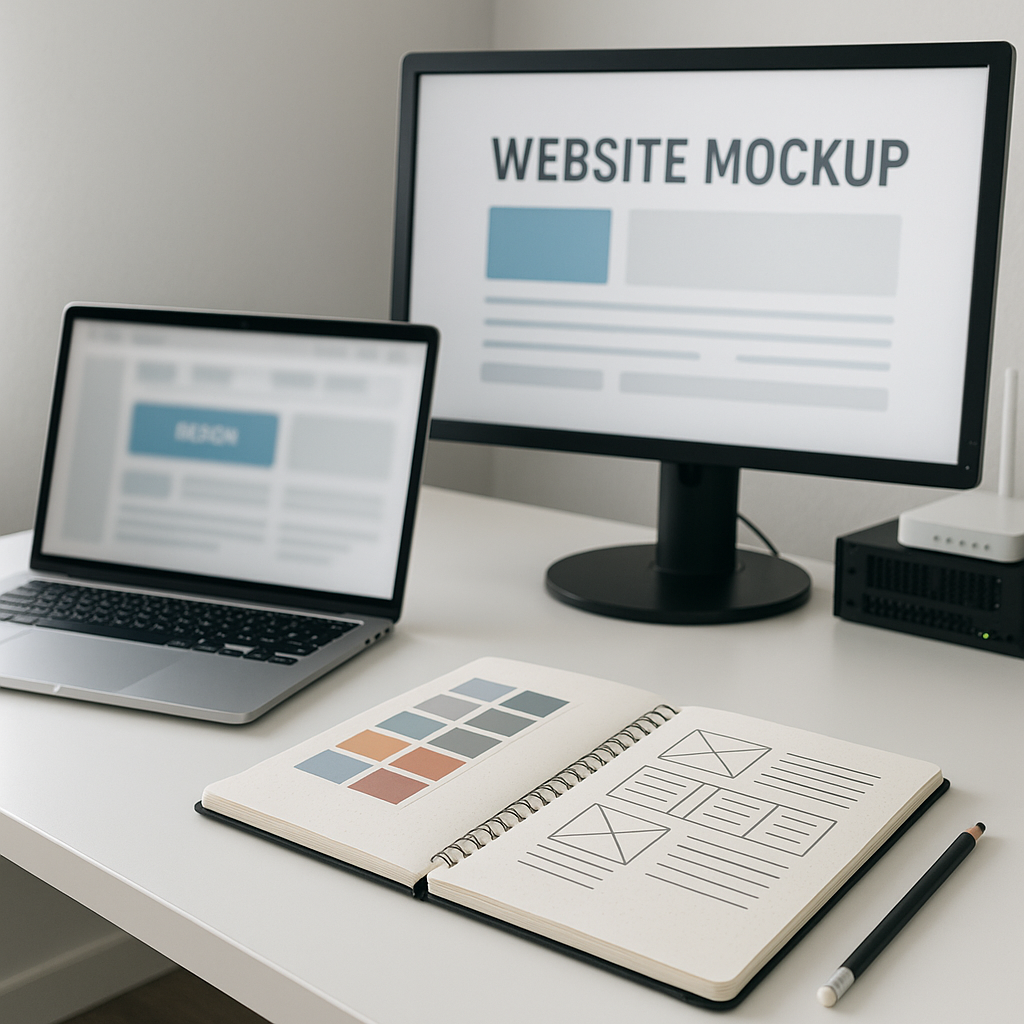
In today’s digital landscape, having a website is no longer optional for small businesses; it’s a necessity. However, simply having a website isn’t enough. Your online presence must provide an engaging user experience to convert visitors into customers. Unfortunately, many Dorset businesses overlook this crucial aspect, leading to high bounce rates and missed opportunities. This article will guide you through essential strategies to create a user-friendly website that not only attracts visitors but also keeps them engaged and encourages conversions.
Understanding User Experience (UX)
User experience (UX) refers to how users interact with your website. A positive UX makes it easy for visitors to navigate, find information, and complete desired actions, such as making a purchase or filling out a contact form. Conversely, a poor UX can frustrate users and drive them away.
Key Elements of Good UX
- Clarity: Your website should clearly communicate what products or services you offer and how visitors can benefit from them.
- Navigation: A well-structured menu and clear pathways make it easy for users to find what they need.
- Mobile Responsiveness: With many users accessing sites via smartphones, it’s vital that your website looks and functions well on all devices.
- Loading Speed: Fast loading times are crucial; slow websites can lead to user frustration and increased bounce rates.
Tips for Creating a User-Friendly Website
1. Simplify Navigation
Your website’s navigation should be intuitive. Use clear labels and a logical hierarchy. Here’s how to improve your navigation:
- Limit Menu Items: Keep your main menu concise—include only the most important pages.
- Use Descriptive Labels: Instead of vague terms like “Products,” use specific labels like “Plumbing Services” or “Landscaping Solutions.”
- Include a Search Bar: This allows users to find specific content quickly.
2. Prioritise Content Layout
A cluttered website can overwhelm visitors. Focus on a clean layout:
- Use White Space: This helps to separate different sections and makes content more digestible.
- Highlight Key Information: Use headings, subheadings, and bullet points to make essential information easily scannable.
- Visual Elements: Incorporate images, videos, and infographics to break up text and engage users visually.
3. Ensure Mobile Compatibility
With a significant portion of users accessing websites on mobile devices, your site must be mobile-friendly. Consider the following:
- Responsive Design: Your website should automatically adjust to different screen sizes. Ensure text is readable without zooming, and buttons are easy to tap.
- Test on Multiple Devices: Regularly check your website on various devices and browsers to ensure a consistent experience.
4. Improve Page Load Speed
Fast loading times are essential for retaining users. Here’s how to enhance your website’s performance:
- Optimize Images: Use compressed image formats to reduce file sizes without sacrificing quality.
- Minimise HTTP Requests: Limit the number of elements on a page to decrease loading times.
- Leverage Browser Caching: This allows returning visitors to load your pages faster.
5. Use Clear Calls to Action (CTAs)
Your CTAs should guide users towards desired actions, such as signing up for a newsletter or contacting your business. Here are tips for effective CTAs:
- Be Direct: Use clear language like “Get a Free Quote” or “Shop Now.”
- Make Them Stand Out: Use contrasting colours and prominent placement to draw attention to your CTAs.
- Create a Sense of Urgency: Phrases like “Limited Time Offer” can encourage users to take action promptly.
Conducting User Testing
Before launching your website or making significant changes, consider conducting user testing. This involves observing real users as they navigate your site to identify areas for improvement.
Steps for Effective User Testing
- Define Goals: Decide what you want to learn from the testing process (e.g., identifying navigation issues).
- Select Participants: Choose individuals who represent your target audience.
- Observe and Gather Feedback: Watch how users interact with your site and ask for their feedback.
- Implement Changes: Use the insights gained to make informed adjustments to your website.
Common Mistakes to Avoid
When designing your website, be aware of these common pitfalls that can hinder the user experience:
- Overloading Pages with Information: Too much content can overwhelm users. Keep it concise and relevant.
- Neglecting Accessibility: Ensure your website is usable for individuals with disabilities by adhering to accessibility guidelines.
- Ignoring Analytics: Use tools like Google Analytics to track user behaviour and identify areas for improvement.
Conclusion
Creating a user-friendly website for your Dorset business is essential for attracting and retaining customers. By focusing on navigation, content layout, mobile compatibility, page speed, and clear calls to action, you can significantly enhance the user experience. Don’t forget the importance of user testing and avoiding common mistakes to ensure your website meets the needs of your audience effectively.
If you’re looking for professional website design services that prioritise user experience, consider reaching out to our team. At 4bdesign, we specialise in crafting websites that not only look great but also perform exceptionally well.
By implementing these strategies, you’ll be well on your way to creating a website that supports your business goals and provides a seamless experience for your customers.